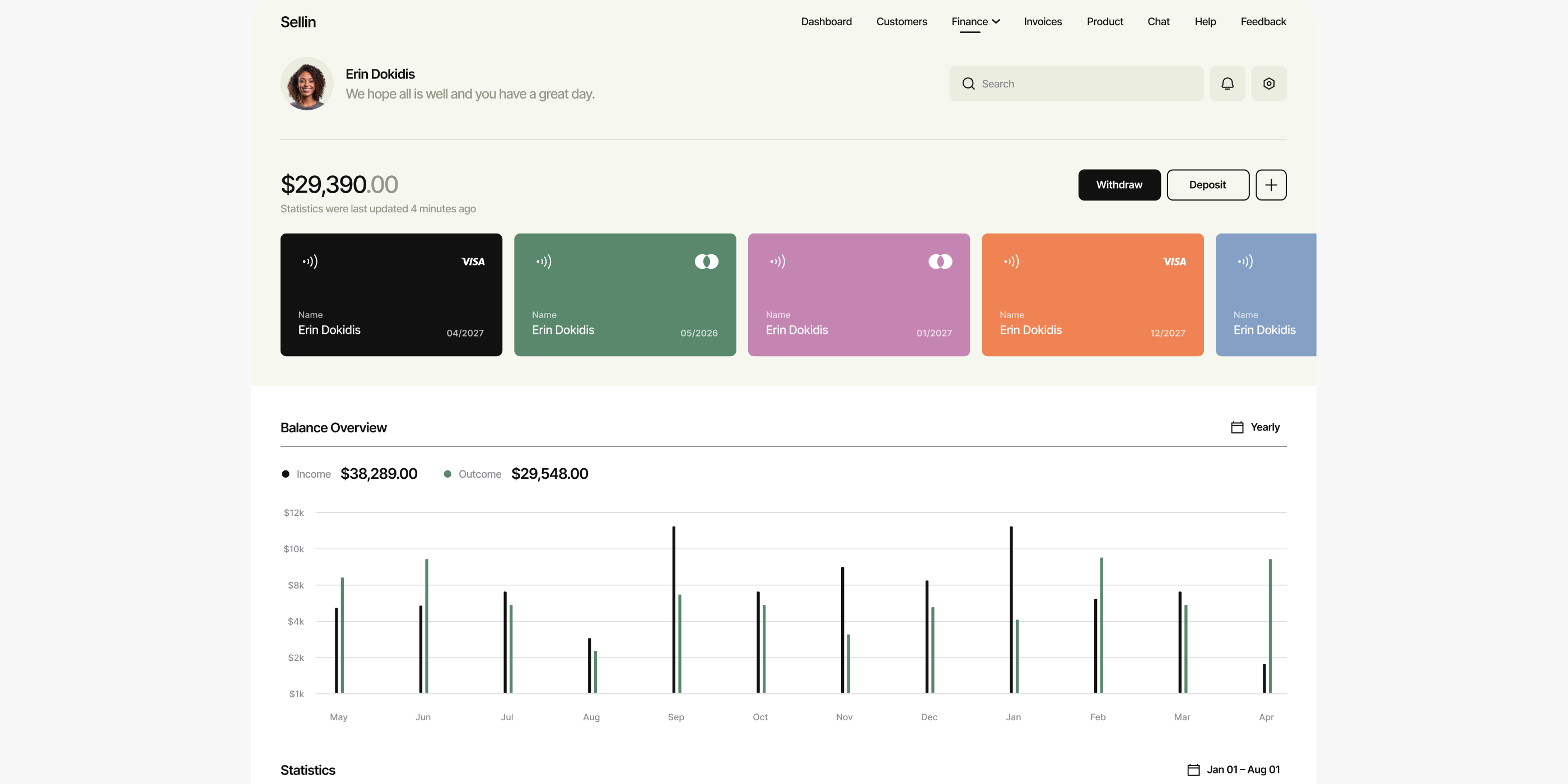
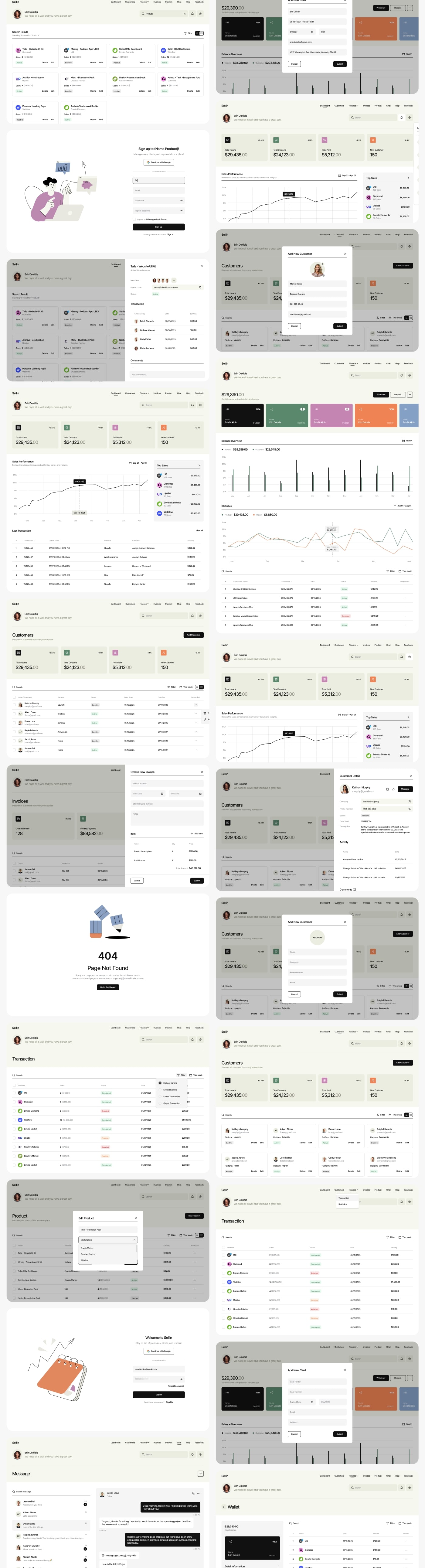
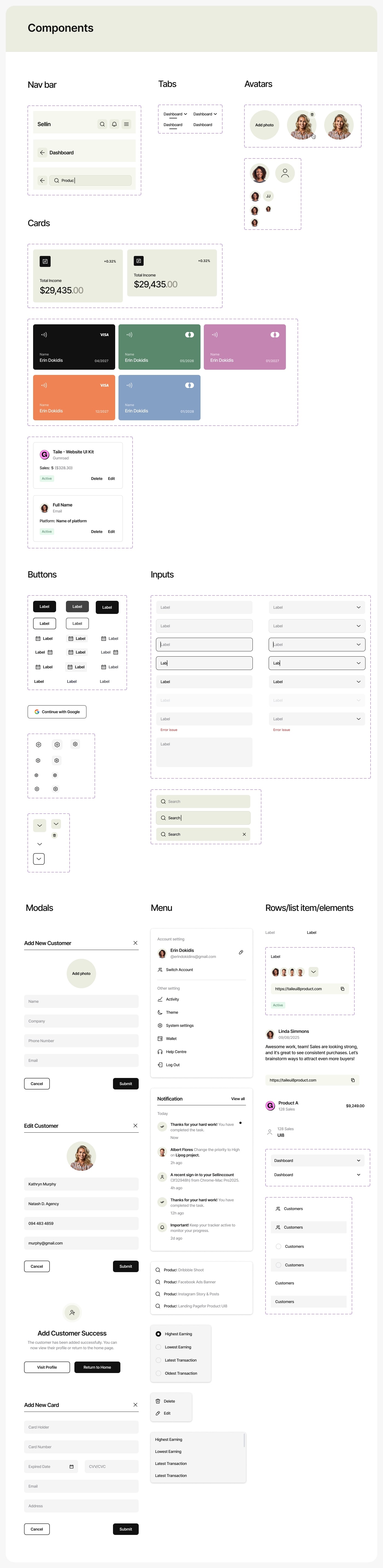
The UX/UI process included research, structural planning, wireframing, low-fidelity prototyping, high-fidelity screen creation, and a full component system prepared for handoff. Throughout these stages, the focus was on building a SaaS dashboard that can support large amounts of commercial data without overwhelming the user. The design system relies on a disciplined grid, a consistent spacing model, and components that deliver predictable layouts across different parts of the platform.
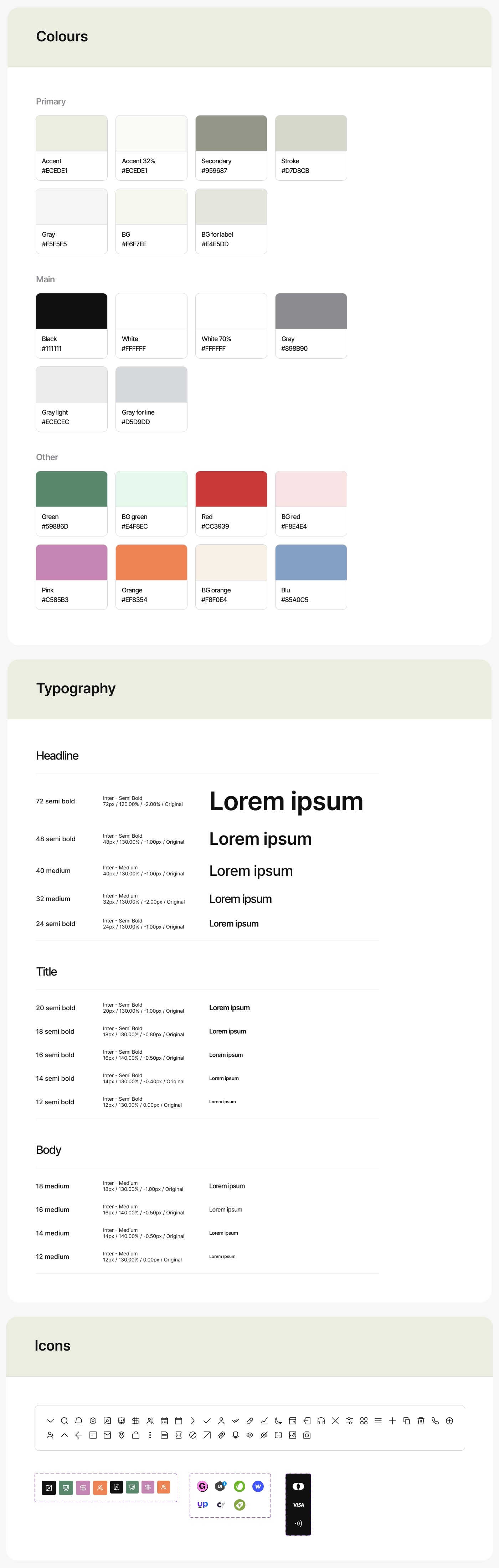
Sellin includes KPI blocks for high-level metrics, revenue and activity charts, category grids, extensive product tables, order lists, inventory indicators, filters, forms, and variant attributes. Dense retail tables were designed using a typographic system optimized for speed of scanning and long-form data rows. The color palette separates metrics, stock states, category distinctions, and product groups without weakening the neutrality required for analytical tools.
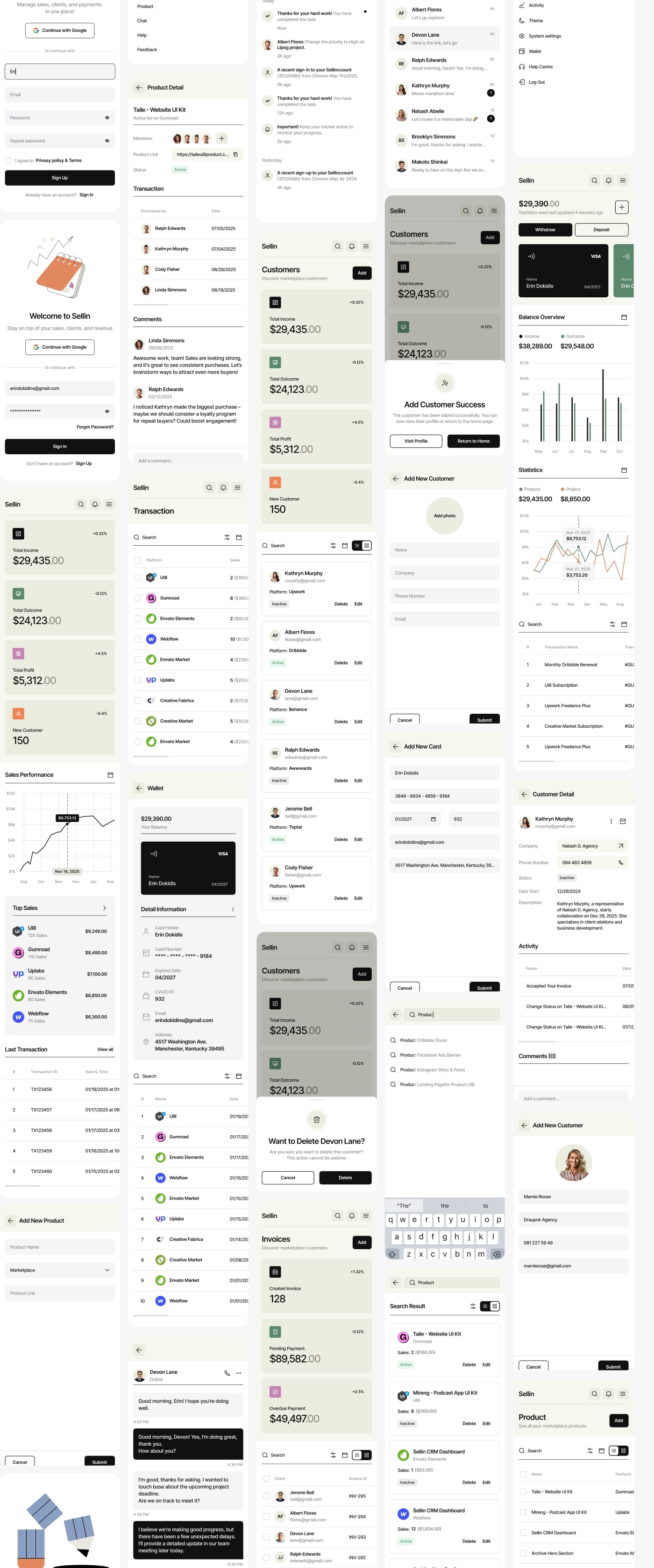
A responsive version ensures that the UX structure remains the same on all devices. KPI cards shift into vertical stacks, charts compress into compact forms, and tables transform into mobile-oriented segments. The goal was to maintain the same information order regardless of screen size. The handoff included tokens, color rules, component states, spacing guides, and a complete UI specification to support clean implementation.